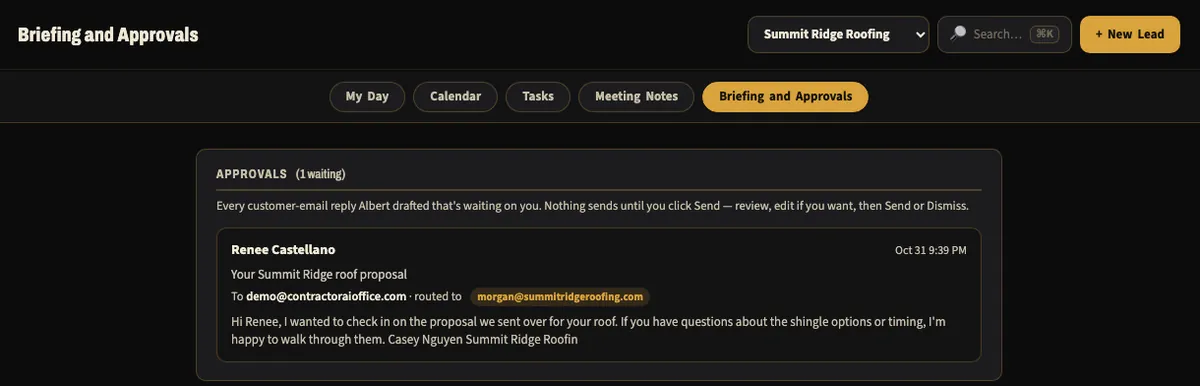
A lead lands. Albert drafts the follow-up.
New leads land in your pipeline with their source and value. Albert drafts the follow-up, and nothing goes out until a person approves it.
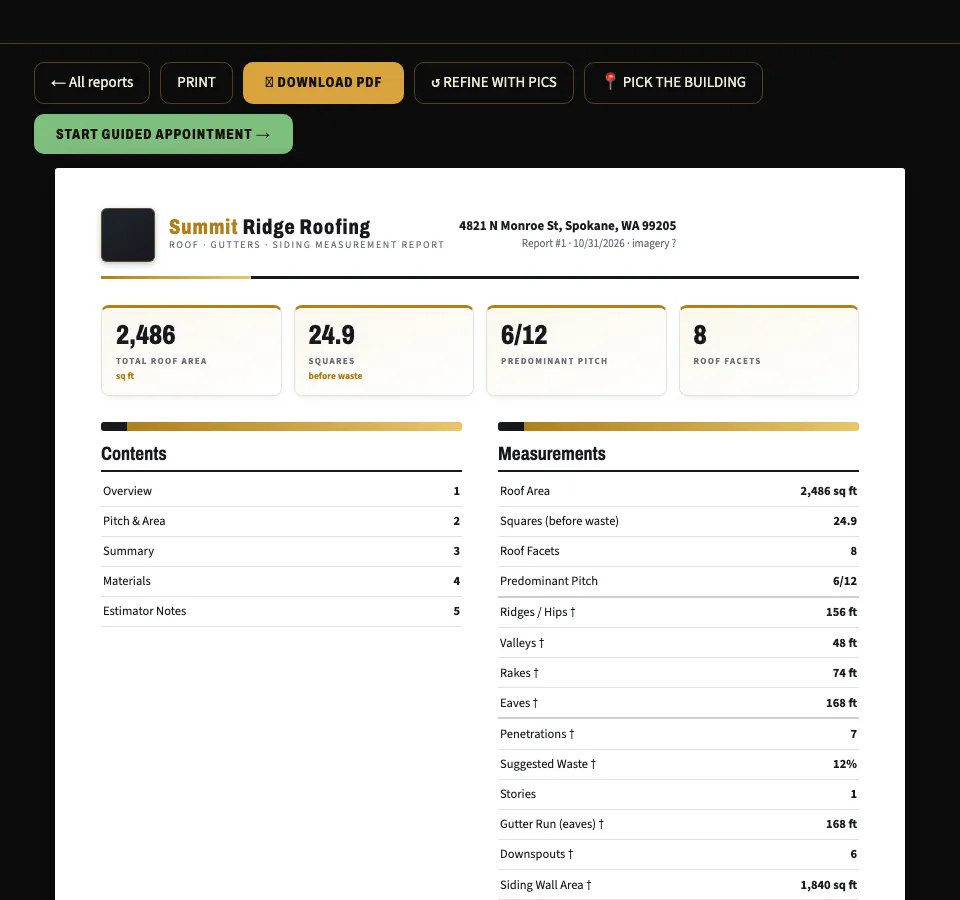
Measure the roof from the address.
Type the address and Measure builds the report: area, pitch, ridges, valleys and eaves. Estimated numbers are labeled, so you know what to field verify.
Proposal and e-sign from their phone.
Your customer opens the proposal on their phone and picks an option. The contract gets signed right there, with no app to install.

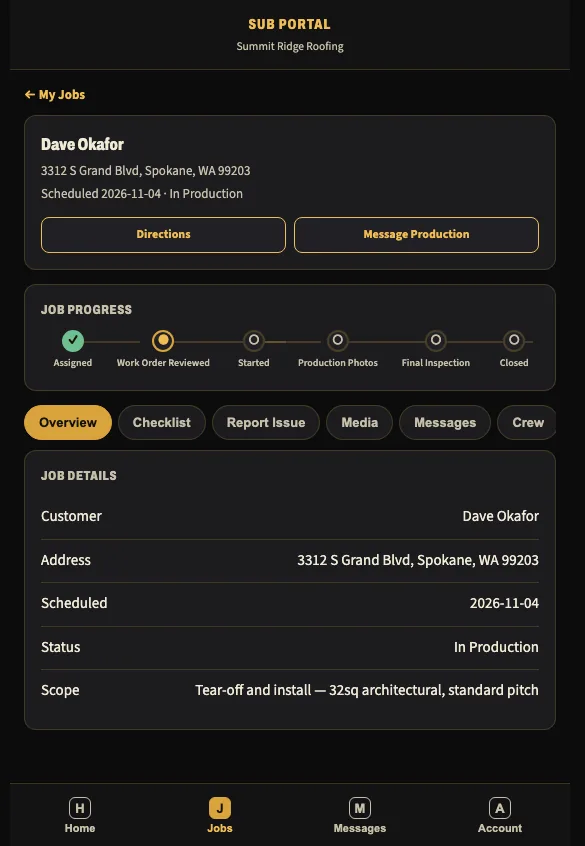
Send the work order.
Your sub opens one link and sees the address, schedule and scope of work. Material ordering comes with the Victor add-on, in pilot today.
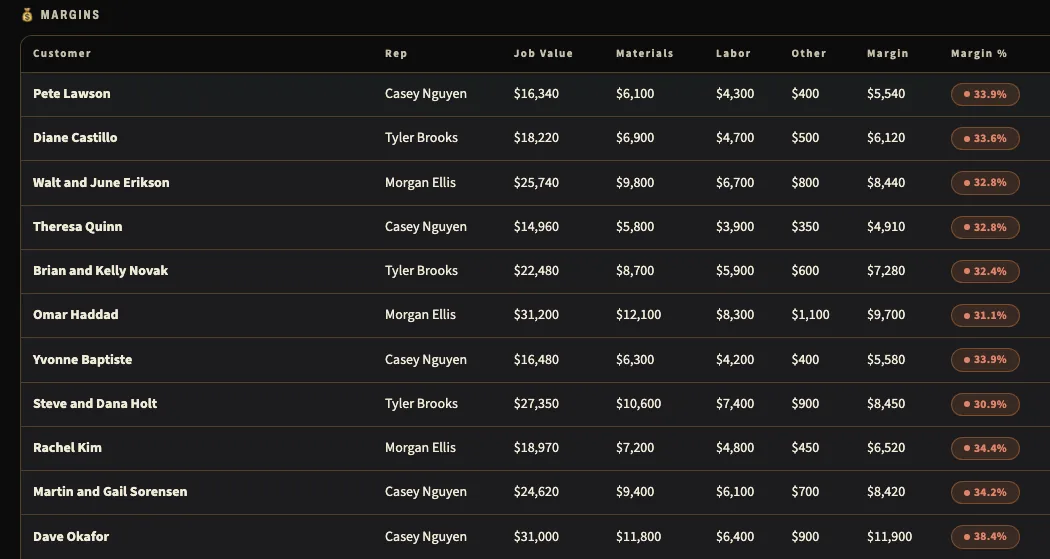
Invoice, then see what the job made.
Invoices go out from the job and payments post against them. Your margin table shows value, costs and margin for every job.
This is the shape, not a script. Rename the stages, add your fields and hide what you don’t use. See what you can make your own.